> Concepts and strategies

In this tutorial, you'll learn everything you need to know to find your way around the Leek Wars site.
!Top bar The top bar shows a lot of information about your farmer.
On the left of the screen, there's a vertical bar of tabs: you can hide it by clicking the arrow above the tabs, and bring them back by clicking the arrow again.
These tabs take you to different parts of the site:
On the right, a row of tabs (fancy that!) that can also be hidden by clicking the arrow above.
These tabs give you access to:
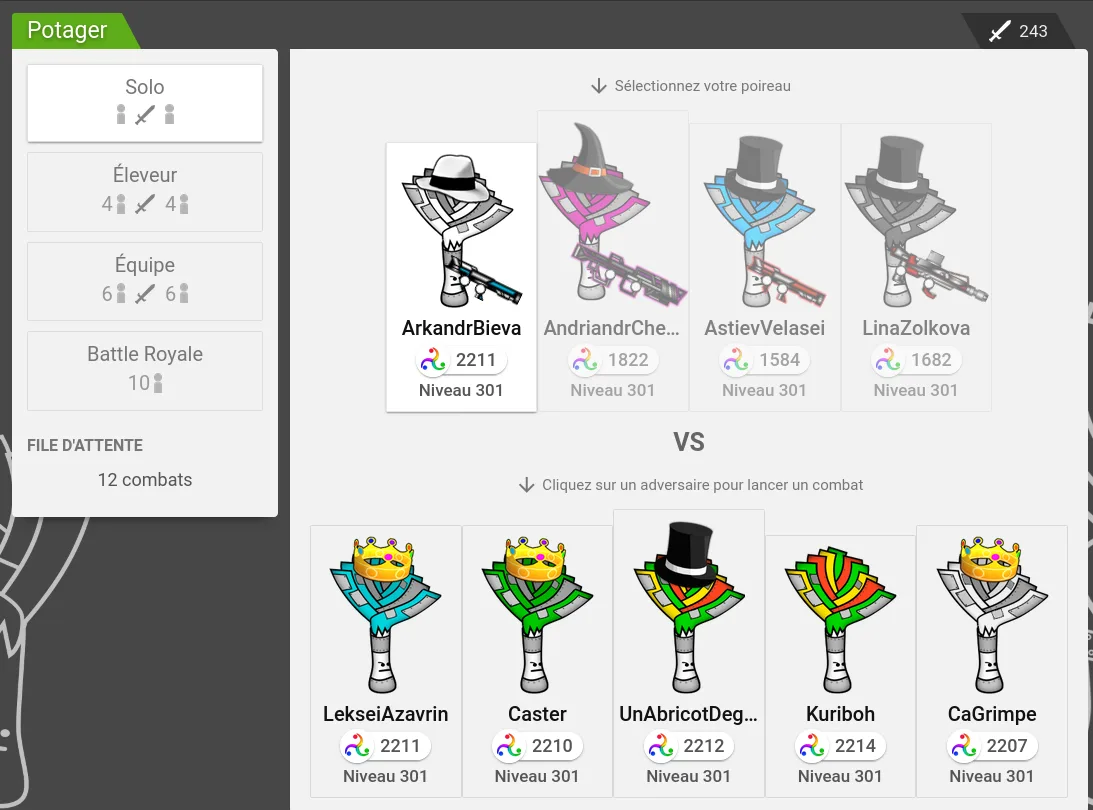
The Garden is where you start fights. It gives you access to 4 types of fight:
You can see how many fights you have left in the site's top bar. These fights are shared among all your leeks, and you get 50 of them every day at midnight, up to a limit of 100. You can buy more fights at the Market. Purchased fights don't count toward the 100-fight limit. If you have both free daily fights and purchased fights, the free fights are used first.
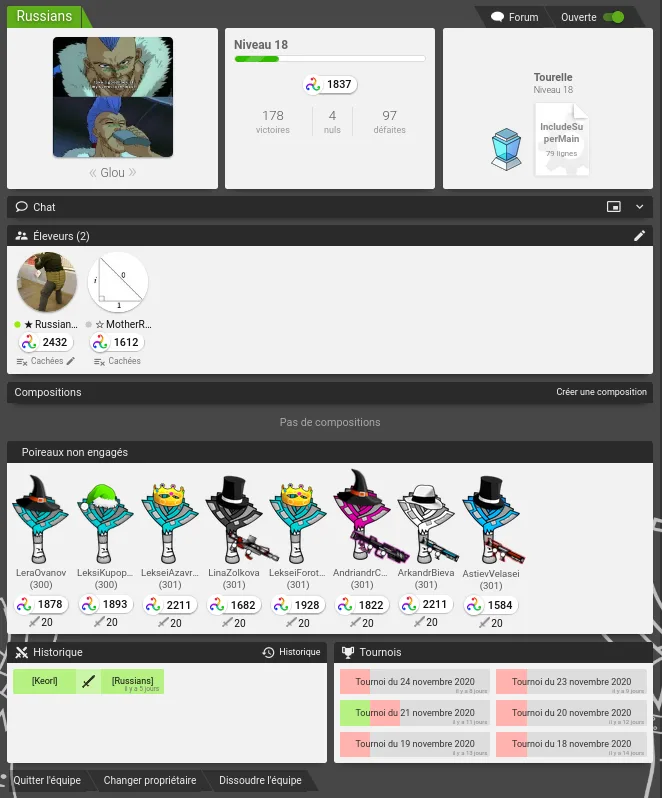
The team page lets you communicate and get organized with the members of your team.
As on the Farmer page and the Leek page, you'll find the team's picture and its statistics there. The box on the right shows the team's level (from 0 to 100) and lets you choose the turret's AI among all the AIs of the team's members. The "Forum" button in the top bar takes you to the team's private forum page. The "Open" toggle shows whether applications are open, that is, whether other farmers can apply to join the team.
The team page also has a private chat, open to all members, who are listed just below in the "Farmers" box. Each farmer can change the visibility of their traces (debug, debugW, debugE) in fights with the button under their profile picture, to make them visible to their allies.
Just below, you can edit the compositions, that is, the teams of 6 leeks that will fight together. Under the list of compositions is the list of leeks that aren't in any composition, and under each leek, the total number of team fights that leek can take part in.
The three buttons at the bottom of the page let you leave the team, change each member's rights and delete the team.
Some options on the team page aren't available to every member. For more information on how teams work, see Team
The trophies page lists all the trophies the farmer has unlocked. Each trophy has a description telling you what to do to get it, along with the number/percentage of farmers who have it. You'll notice that some trophies have no description: these are secret trophies, for which you get no hint apart from their name and icon.  You can filter out the trophies you've unlocked to show only the ones you don't have yet.
Curious about your overall performance? Here you'll find the world rankings of your leeks, your farmer and your team.
You'll find the leek ranking: https://imgur.com/PNhWIPn
The farmer ranking: https://imgur.com/x01QhGs
The team ranking: https://imgur.com/pOUpmtS
As well as a FUN ranking showing your farmer's position in various areas, such as money earned, number of days logged in, ... https://imgur.com/z5cQwWi
The last page is the "Statistics" page, which gives interesting information about the site, such as the total number of fights, of damage dealt, of bulbs summoned, of trophies won, of operations performed, ... Each of these stats covers the whole lifetime of the site, but you can also get a day-by-day view by clicking the stat you're interested in.
A helping hand is always welcome! If you need help, you'll find plenty of resources on the Help page. If the help isn't enough, feel free to ask on the Chat, or post your question on the Forum.
This page takes you to general help about Leek Wars. You'll find information about raising fighting leeks as a whole, and above all useful formulas to work out how your Characteristics affect what happens in the game.
Want to learn all the dark secrets of LeekScript? This page describes them in depth. You'll also find basic and advanced programming techniques there.
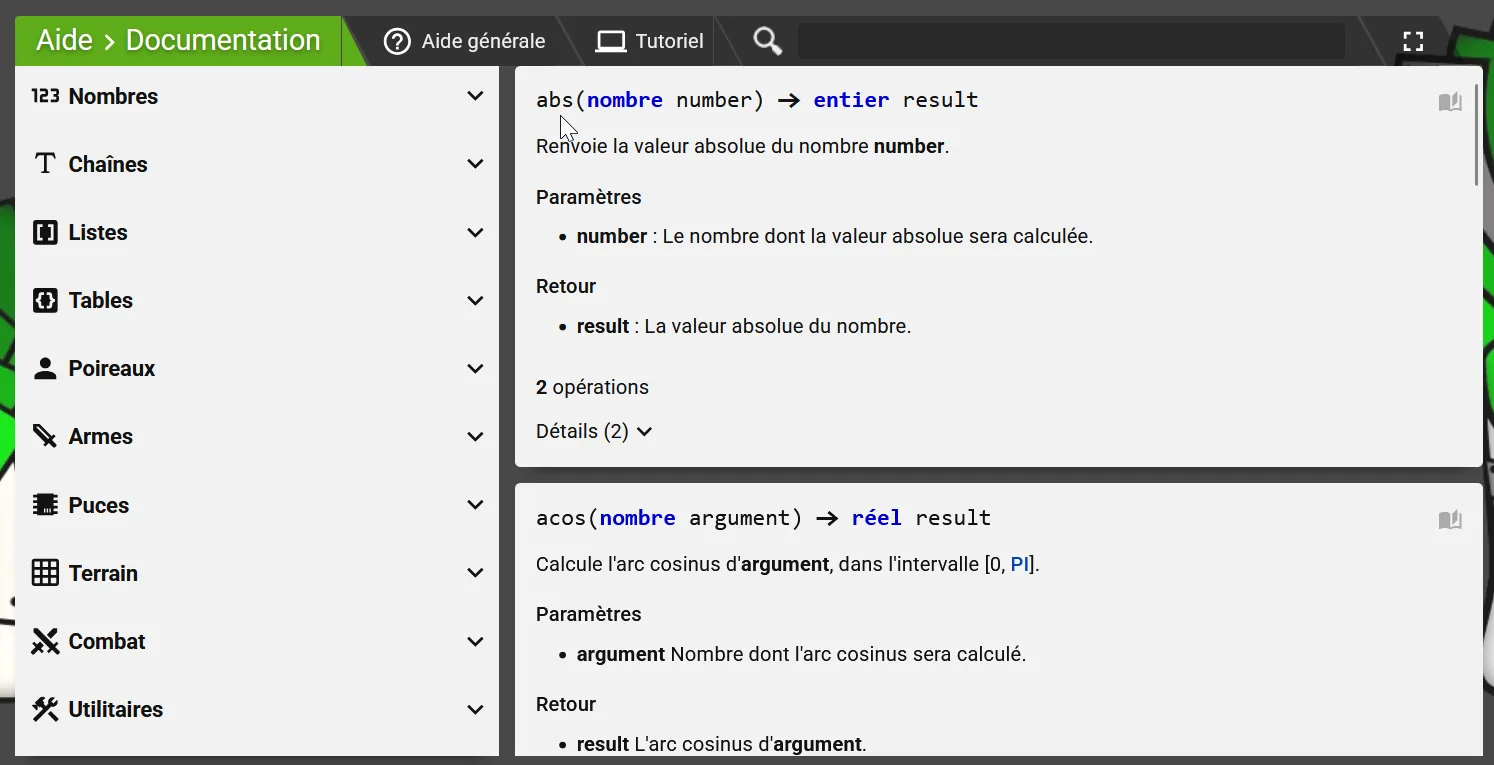 This page lists every function and constant available in LeekScript, with a description of how to use them. You can use it to check whether a function exists for what you want to do, or to look up the constants already defined in LeekScript.
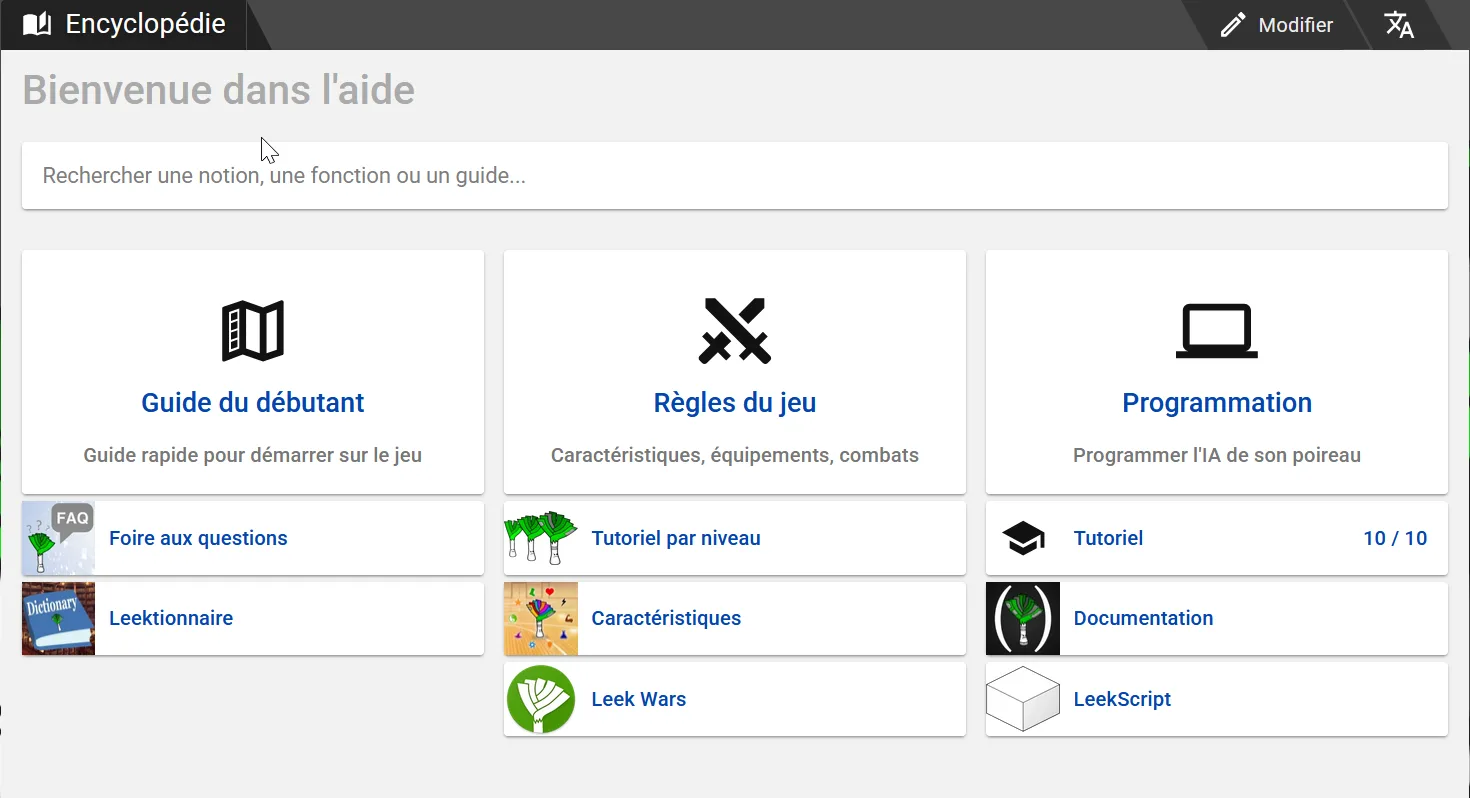
Hey! You're already here! The encyclopedia is the tome of knowledge, the Necronomicon of Leek Wars. It's where you'll find information about every part of the game.
This button takes you to a wiki on an external site, currently more complete than the encyclopedia. In the future, the wiki will be fully replaced by the encyclopedia.
This page lists the commands for using the Leek Wars API. Useful if you want to program your own interface for Leek Wars, or write UserScripts.
A page showing a map on which you can place a red square, standing for a leek; it then shows green squares for the map cells visible with the lineOfSight function.
An extended description of the fight system. You'll find every element that makes up a fight, from the order in which effects are applied to the calculation of their final value.
An overview of which items (chips and weapons) are available at each level.
Impossible de charger les données du jeu.
Vérifiez votre connexion et réessayez.